![Evovia_Logo_RGB.svg]](https://www.evovia.com/hubfs/Evovia_Logo_RGB.svg)
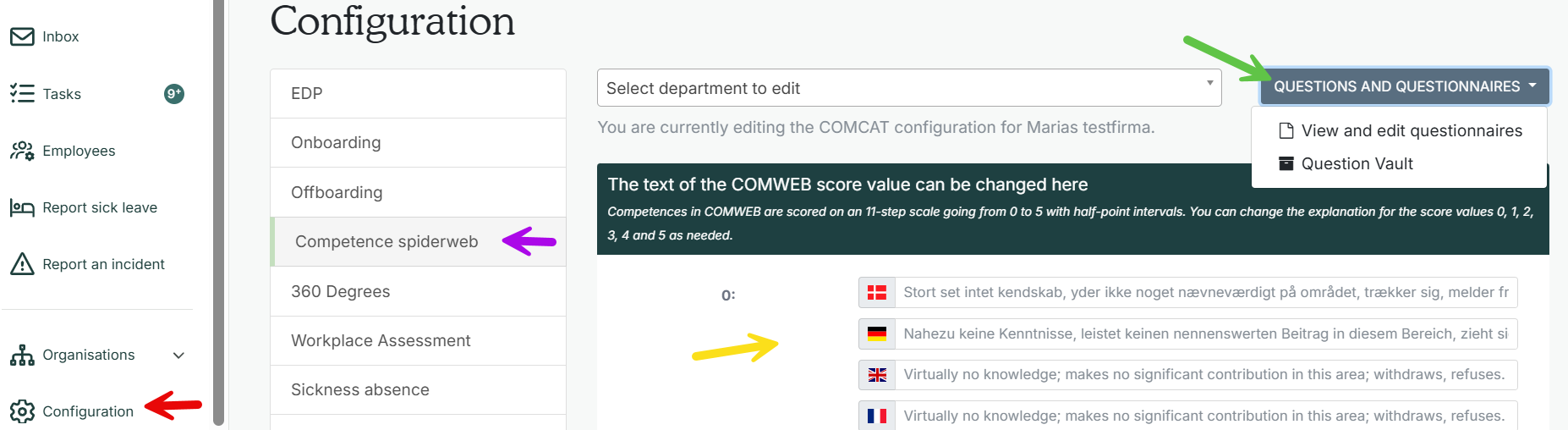
1. Go to "Configuration” (red arrow) and to the tab ”Competence spiderweb” (purple arrow).
Click “View and edit questionnaire” (green arrow). Read the manual on how to create or edit questionnaires.
You can change the explanation to the different scores (yellow arrow). The competence spiderweb consists of 11 scales from 0-5 with half intervals. You can only change the description on whole numbers.
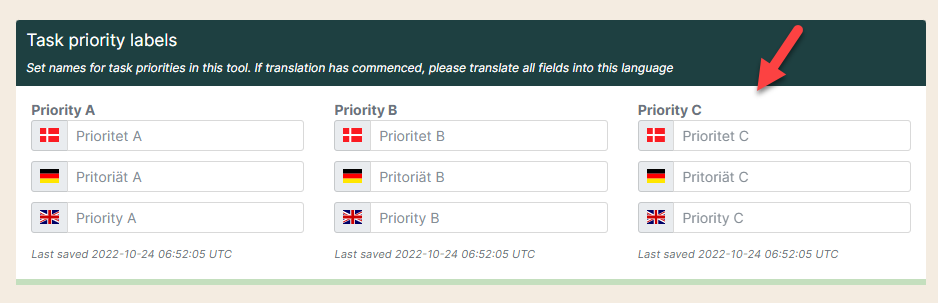
3. If you want, you can change the name of the priorities at the bottom.