![Evovia_Logo_RGB.svg]](https://www.evovia.com/hubfs/Evovia_Logo_RGB.svg)
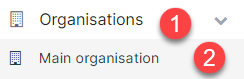
1. Click ”Organisations” and then "Main organisation" on the left side.
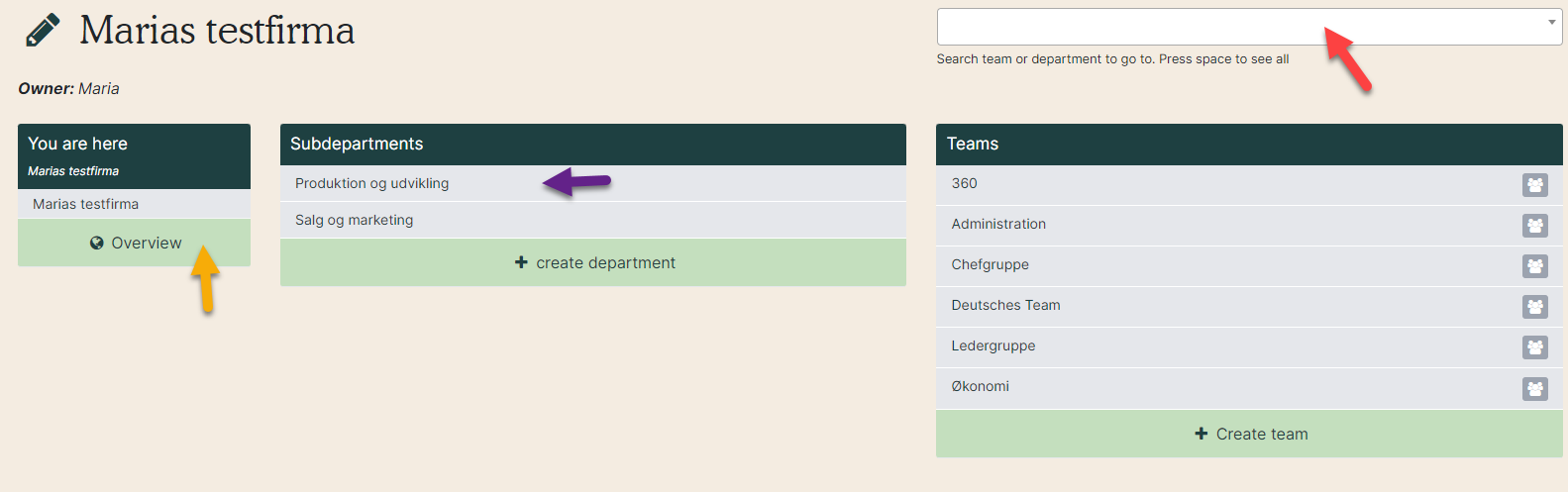
2. Select the department or team you want to change manager on. Click the name (purple arrow), search for it in the write box (red arrow) or find it in the overview (yellow arrow).